Master Dashboard Column Preferences
This page explains how users can customize visible columns and column order in Master Dashboard.
Screenshots
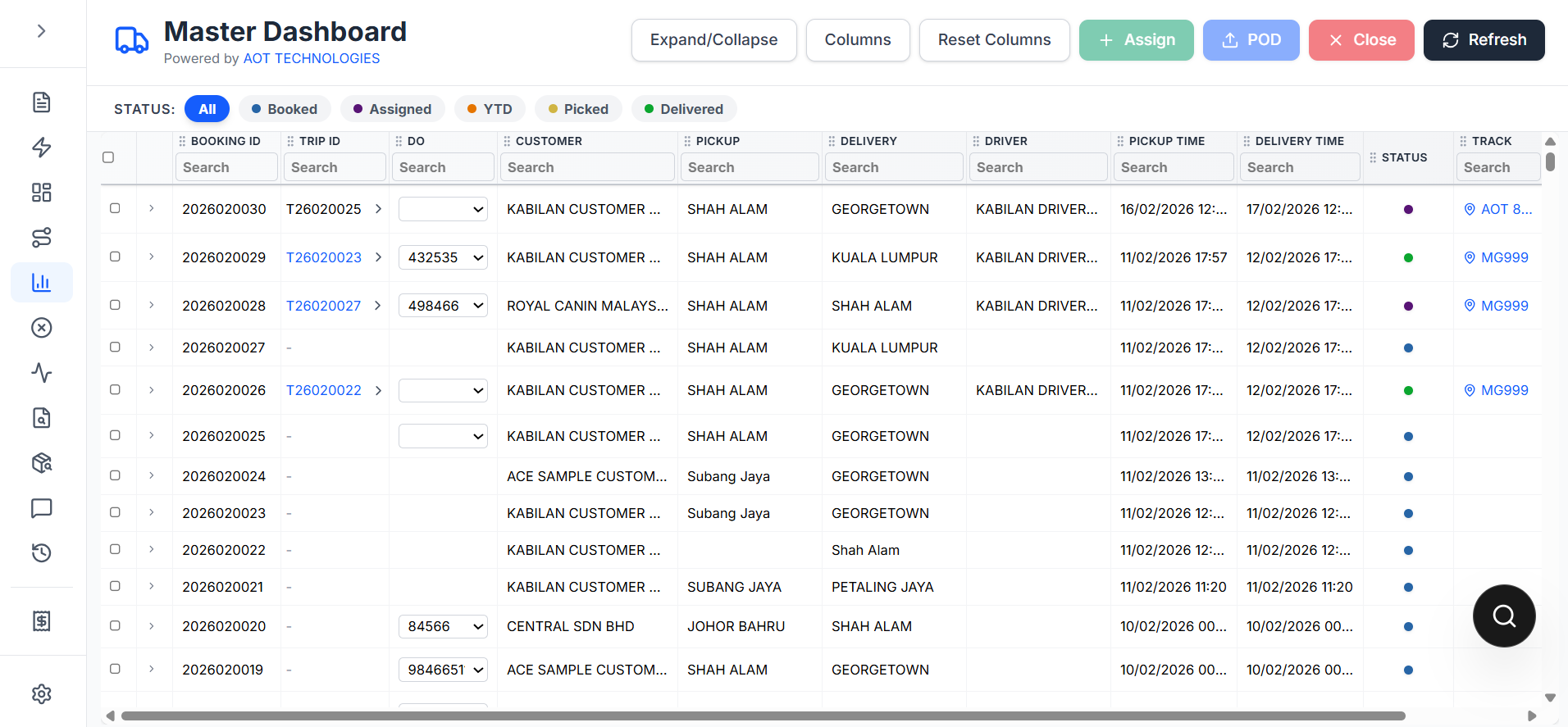
Master Dashboard with action bar:
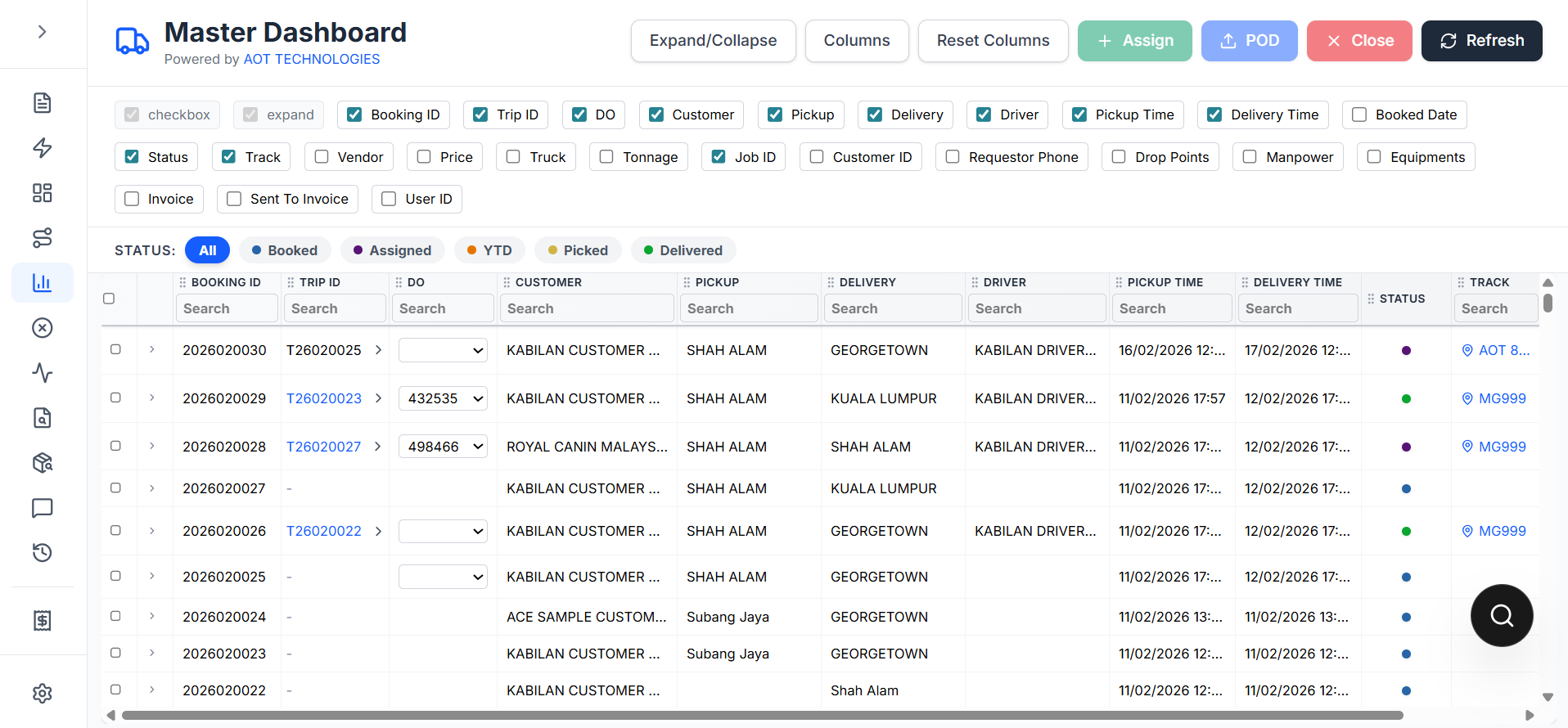
Columns picker:
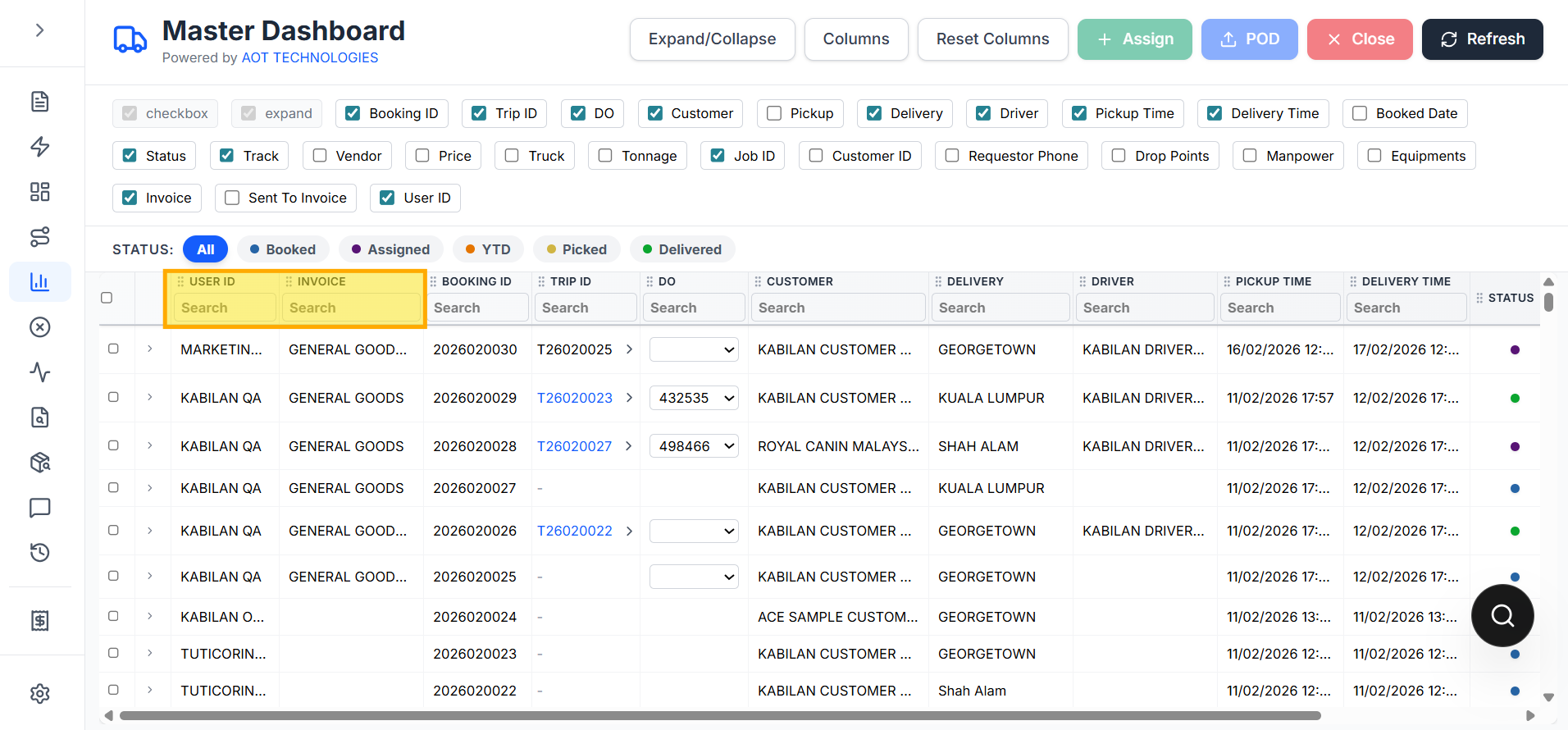
Invoice and User ID enabled:
Note: The screenshots were captured in local development mode. The red fetch banner is environment/API connectivity related and not part of the column preference feature itself.
Open column settings
In Master Dashboard, click Columns.
You can:
- Show/hide columns
- Reorder columns by dragging header cells
Locked columns
These columns are always visible and pinned:
checkboxexpand
Column filters
Header filter input is shown for all columns except:
Status- utility columns
checkboxandexpand
Optional columns from API
The dashboard now supports additional columns from getLiveStatus, including:
- Booked Date
- Vendor
- Price
- Truck
- Tonnage
- Cust Ref
- Customer ID
- Requestor Phone
- Drop Points
- Manpower
- Equipments
- Invoice (mapped from
goodsDescriptionText) - Sent To Invoice
- User ID
Reset behavior
Click Reset Columns to restore:
- default visible columns
- default ordering