Master Dashboard Assign Flow
This page explains the new Assign button behavior in Master Dashboard.
Screenshots
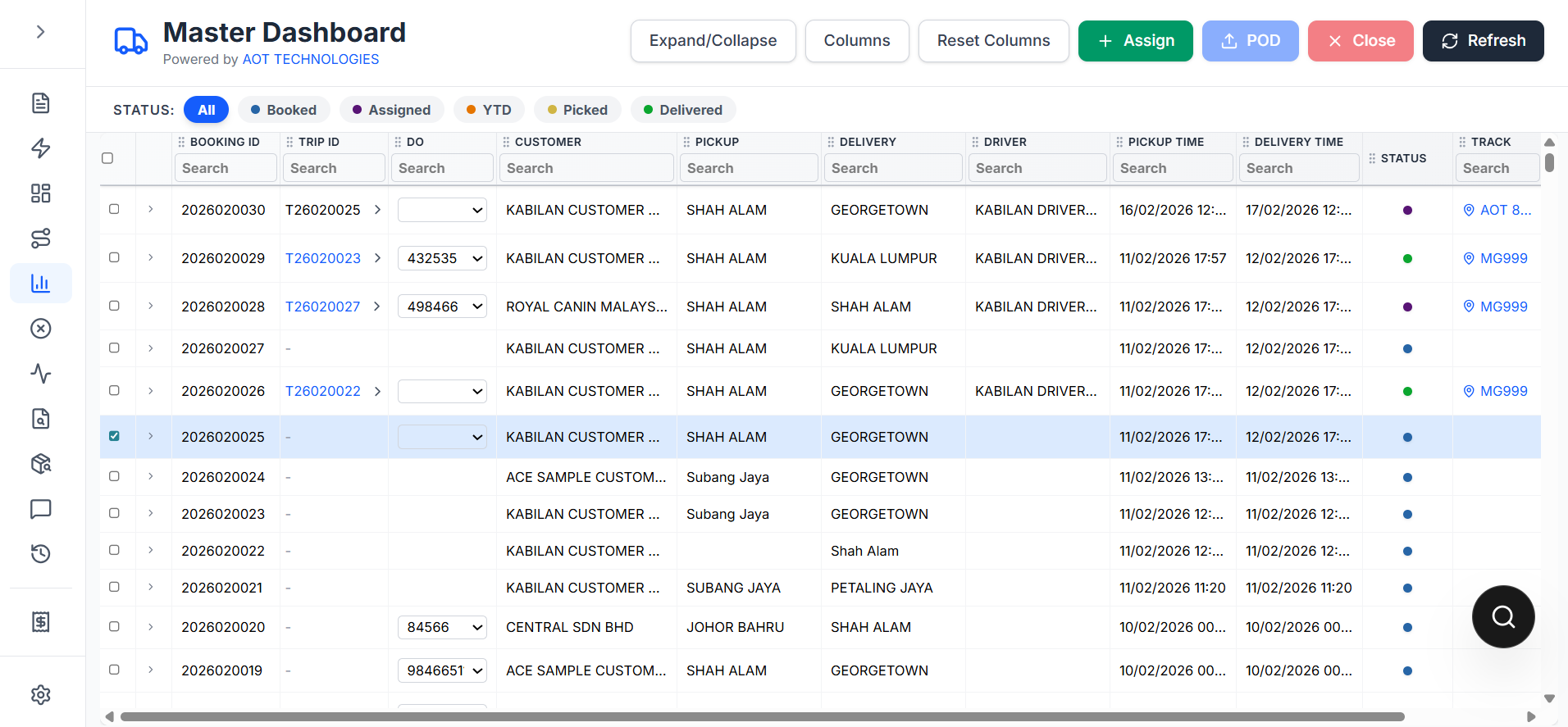
Assign button placement in Master Dashboard:
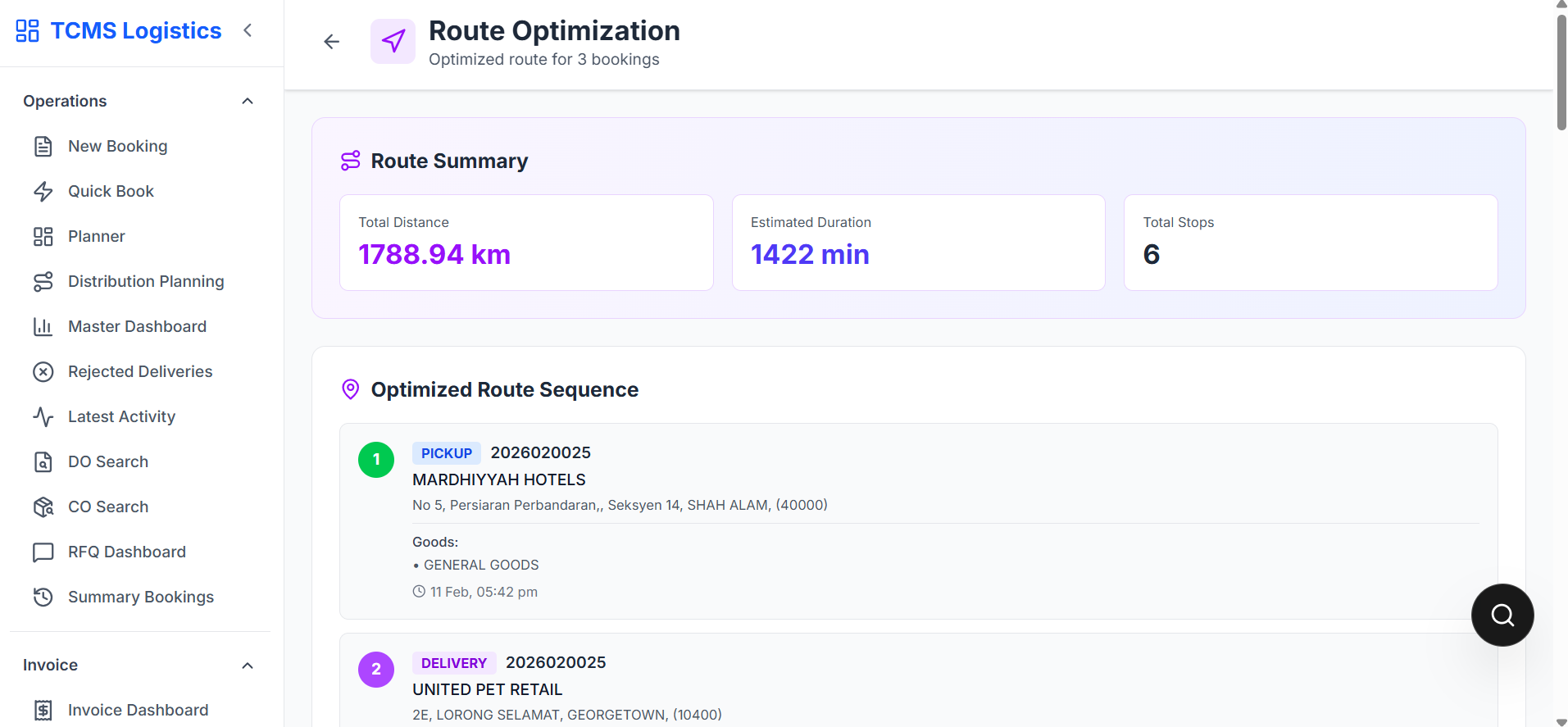
Multi-select planning route (Route Optimization page):
Note: A dedicated single-row quick-assign modal screenshot is still pending from a data-connected session.
Button position
The Assign button is placed before POD in the action bar.
Selection rules
Case 1: Single booked row selected
- Opens quick assign modal
- User selects truck and driver
- Assignment is submitted directly
Case 2: More than one booked row selected
- Opens planning flow in Route Optimization
- Redirects to
/route-optimization - Selected bookings are passed to planning state
Case 3: Any selected row is not Booked
- Action is blocked
- Validation message shown
Why this helps
- Fast assign for one booking
- Batch planning for multiple bookings
- Prevents invalid assign actions by status